

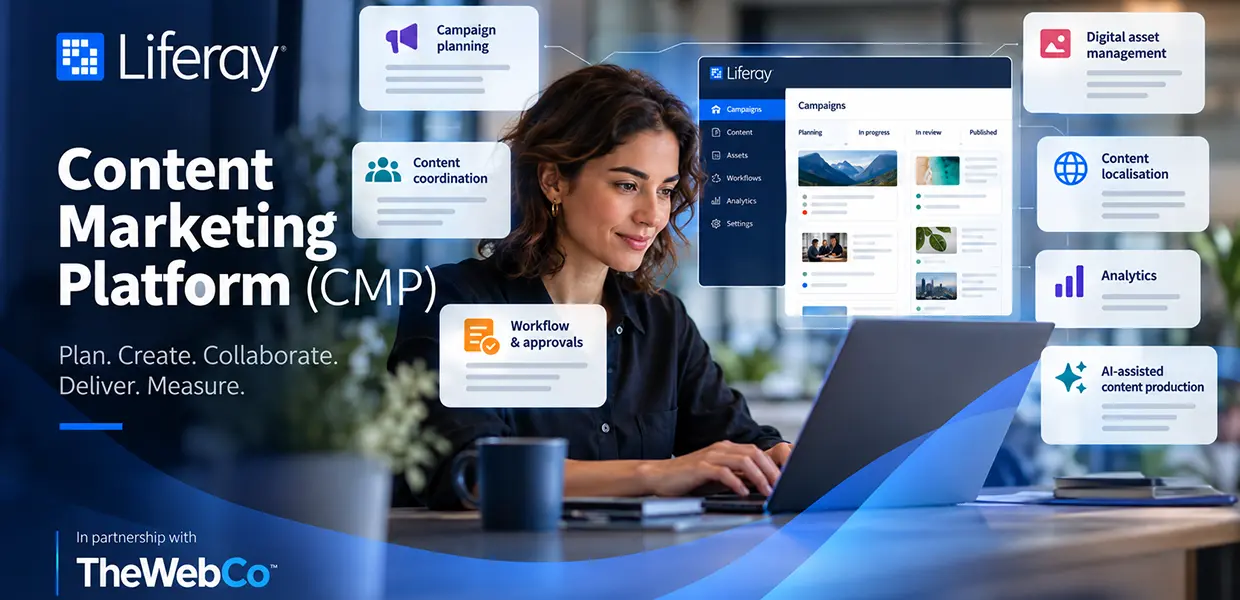
Liferay Content Marketing Platform (CMP) gives marketing teams a shared place to plan campaign content, coordinate work and manage content through to launch. Liferay announced general availability on 23 September 2026 as an add-on to Liferay CMS. It is designed for organisations whose campaign work has become difficult to coordinate across separate tools. Liferay’s announcement
For organisations already using Liferay, the practical question is whether CMP fits their campaign process, technical environment and licensing. It is an additional product capability, not a replacement for Liferay DXP or CMS.
What Liferay CMP does
CMP brings campaign planning and execution closer to the content managed in Liferay CMS. Liferay says CMP and CMS share the same data model, permissions and publishing infrastructure. Content assets can be linked to campaign projects and tasks, so teams can work with campaign context alongside the material they are preparing.
The platform is organised around projects and tasks. A project can represent a campaign; tasks describe the work needed to deliver it. Teams can assign owners and due dates, track status, and use calendar or Kanban views to see how work is progressing. Liferay’s official task documentation describes these views and the available task states.
How CMP supports campaign work
Plan content against audiences
Liferay describes a Content Population Matrix for mapping content against target audiences and stages of the buying journey. The current product documentation calls the related feature a Content Coverage Matrix. Both descriptions concern identifying where a campaign has content and where it may have gaps. This can help teams spot missing material while there is still time to plan it.
Coordinate people and deadlines
Campaign tasks can be assigned to team members with owners, due dates and status. Calendar and Kanban views make the work easier to scan, while task comments and history keep discussion connected to the item being delivered. The benefit depends on teams maintaining clear responsibilities and using the workspace consistently.
Connect campaign tasks with CMS content
Teams can link CMS assets to projects and tasks, so campaign work can refer to the content and files being prepared. For a multi-market launch, that could mean keeping campaign tasks, landing-page content and localised assets connected to the same project. Liferay also describes configurable approval workflows for campaign content. Organisations should map their review roles and publishing rules before deciding how those processes should be configured.
Measure campaign performance
Liferay’s CMP announcement describes planning, coordinating, launching and measuring campaigns. The reporting available to a customer will depend on the products and configuration in its environment. Liferay Data Platform is a separate offering, so organisations should confirm which measurement capabilities are included in their proposed setup before relying on a particular dashboard or metric.
How CMP relates to Liferay CMS and DXP
Liferay DXP is the broader digital experience platform used to build and manage websites, portals and other digital services. Liferay CMS manages digital content and assets within that environment. CMP adds campaign planning and coordination features to the CMS workflow.
In short, DXP provides the wider platform, CMS manages the content, and CMP helps teams organise campaign work around that content. CMP is an add-on; the activation documentation says it requires a separate licence.
For a broader introduction to the platform, read our guide to Liferay DXP. For information about TWC’s Liferay services and examples of Liferay websites and portals, visit our Liferay service page.
What existing Liferay customers should check
CMP may suit organisations that run several campaigns, publish content across brands or markets, or need clearer coordination between marketing and technical teams. It may be unnecessary where publishing is straightforward and campaign work is already manageable with existing tools.
Where AI Hub fits
CMP is the campaign planning and coordination capability. Some AI-assisted content tasks are available through Liferay AI Hub, which Liferay describes as a standalone SaaS product. When AI Hub is integrated with a Liferay DXP environment, its agents can assist with drafting content, translating text and other CMS tasks. These capabilities should be assessed and licensed separately from CMP. See Liferay’s AI Hub documentation for current details.
A practical approach to evaluating CMP
At The Web Company, Liferay projects begin with understanding the organisation’s requirements and defining the work before development. For a CMP assessment, that means mapping how campaigns are planned today, where content and approvals move between teams, and what needs to connect with the existing Liferay environment.
The assessment should then compare those needs with CMP’s current features, technical requirements and licensing. TWC’s Vodafone Business Liferay case study provides an example of the wider platform and migration work that can sit around a Liferay environment; it is not a CMP implementation example. A small campaign can provide a useful first test, provided the team defines what it expects to improve and checks the results against the baseline. This gives decision-makers evidence about whether CMP addresses a real workflow problem.
Is Liferay CMP worth considering
CMP is worth evaluating when campaign planning, task ownership, asset handling and approvals are difficult to manage across existing tools. It is less compelling when an organisation has simple publishing needs or no clear problem for the platform to solve. The decision should be based on fit with the current Liferay environment, the campaign process and the expected operational benefit.
Talk to The Web Company about Liferay
If you are reviewing your Liferay environment or considering CMP, The Web Company can help you define requirements, assess technical considerations and plan an appropriate Liferay solution. Talk to our Liferay team about your organisation’s needs.